Cloud Sync is here (Korq v1.8.0)
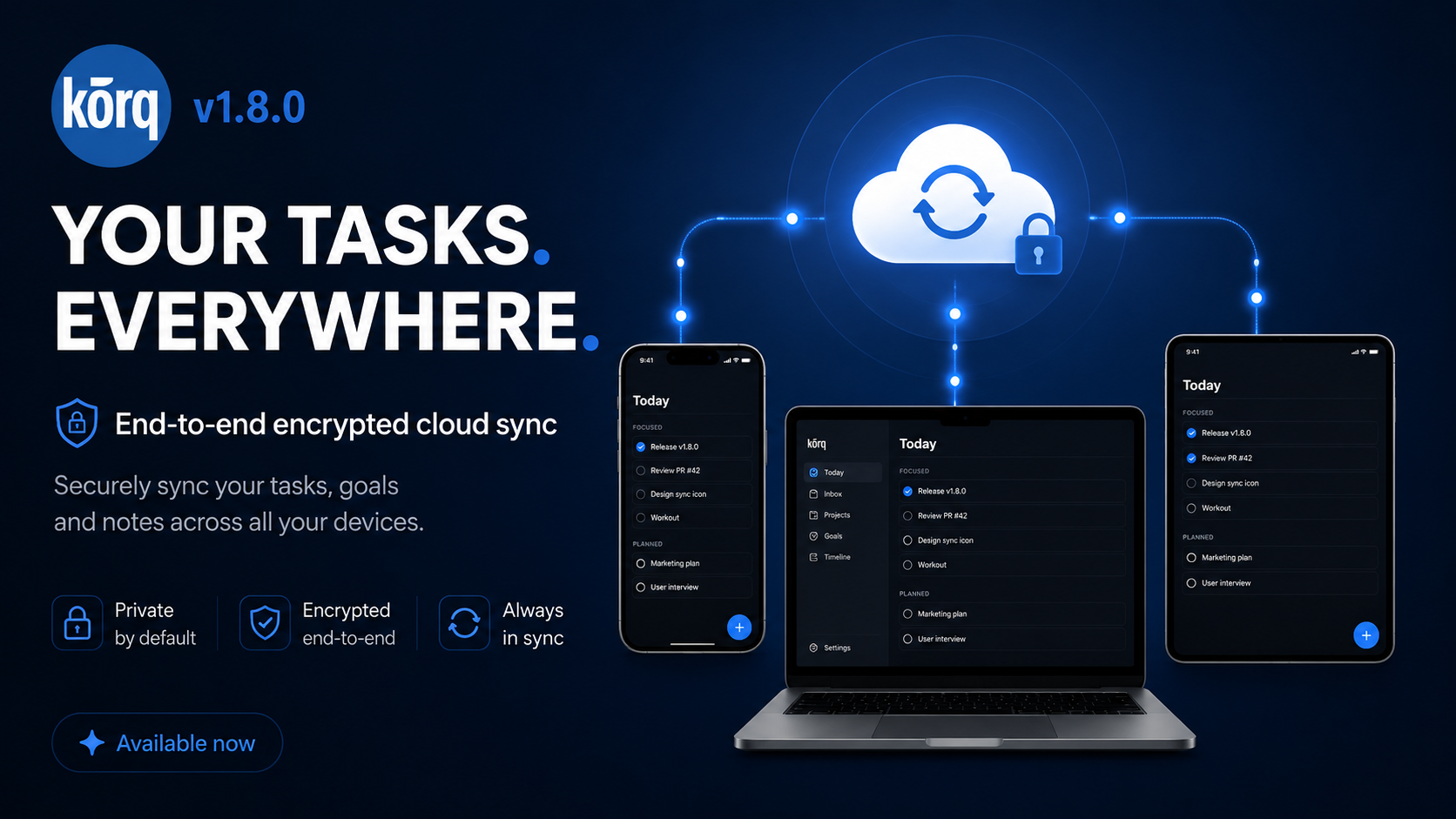
Korq 1.8.0 adds end-to-end encrypted Cloud Sync across iOS and Android.
Sign in once and your tasks, goals, timeline, attachments, and reminders stay up to date across your devices. Your data is encrypted on your device before it leaves it, so Korq's servers sync encrypted data, not readable task content.
That privacy choice shaped the whole feature. We could have built sync faster by letting the server read your data. We didn't. Your task list can contain some of the most private details of your life, so Cloud Sync was built around a stricter rule: your data should move between devices without becoming ours.
That is why this release took longer than usual. Sync itself isn't new; most apps have it. Doing it the private way meant there was no shortcut that didn't quietly trade away either your privacy or your data, so we kept choosing the slower path. We built it, broke it on edge cases we didn't expect, and rebuilt it more times than I'd like to admit.
There was another less visible piece too: keeping the beta promise. Early beta testers were promised 12 months of Korq Pro, and I didn't want that to become a coupon-code or support-ticket workflow. Before Cloud Sync could launch, we had to build the entitlement path so beta users can simply register in the app with the same email they used for the beta programme, and Pro unlocks automatically.
It came out to 314 commits and a lot of reading other people's documentation at night. I'll get into how it actually works below.
So what's actually different?
Many sync systems are built around servers that can process readable data. That's convenient, but your to-do list says a lot about your life — what you're working on, who you owe money, the doctor's appointment you keep putting off.
Korq's sync is built so that we can't read any of it. Your stuff is encrypted on your phone, with a key only you hold, before it ever touches the network. What lands on our server is a blob of ciphertext. We sync it, we never open it.
That's the whole pitch: your data syncs everywhere, and stays yours.
For the people who want the details
The data is encrypted with AES-256-GCM. Your master key is derived from your password using PBKDF2-HMAC-SHA256 at 100,000 iterations, and the password itself never leaves your device — the server only ever sees the derived, wrapped result. Because a key that only you hold is a key you can also lose, that master key is wrapped twice: once by your password, and once by a Recovery Code shown during setup. Lose the password, use the Recovery Code. Lose both, and even we can't help you — which is the point.
Under the hood, sync is cursor-based: each device pulls changes in order from where it left off, so two devices editing at the same time converge instead of clobbering each other. There's a server-side lock during first-time setup so two devices signing in at once don't fight over who seeds the account. None of this is visible to you, and that's deliberate.
How to actually use it
Open the menu, tap Cloud Sync, sign in. Write down the Recovery Code somewhere safe. That's it — every device you sign in on stays in sync from then on, including reminders. There's no "sync now" button to babysit and nothing to configure. If we did our job, you'll forget it's even running.
Cloud Sync is part of Korq Pro.
What got fixed on the way here
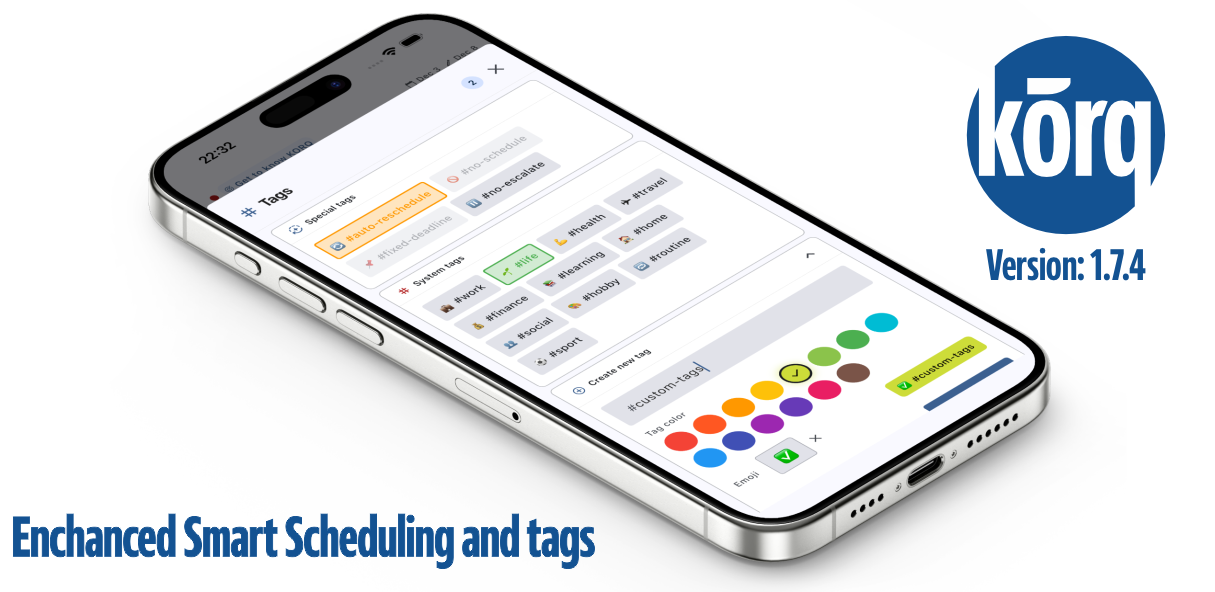
Building sync meant touching a lot of the engine, and a fair bit of that work helps you even if you never turn sync on. The timeline got rebuilt so recurring tasks sync properly — and as a side effect, tasks you skipped stay skipped instead of quietly coming back. Moving a task now keeps its time and duration instead of resetting it. Smart scheduling learned to coordinate across devices so it doesn't run twice, and it now respects your #no-schedule and #fixed-deadline tags the way it always should have. We also tracked down a nasty one where iOS thought notifications were denied even when they weren't, so reminders simply never fired. That's fixed too.
What's next
This release is the foundation, not the finish line. A few things are already in progress:
Sharing. Sharing a task or a project with someone else — the design and access rules are done, and it's the next big piece we're building. Tablet and desktop. Bigger-screen versions are roughly halfway there. More to come. A handful of features that sync unlocks but that didn't make the cut for launch day. Sync had to come first, because everything above is built on top of it.
About Pro
Cloud Sync is part of Korq Pro because it depends on private, encrypted cloud infrastructure that has ongoing costs. The local-first Korq experience remains free; Pro adds sync and the services built on top of it.
The Pro tier itself isn't fully formed yet. We're still working out what it includes and how it's priced, so consider this the start of that, not the final word.
And to the early users who signed up for the Beta through the form on our website: we haven't forgotten what we promised you. You get 12 months of Pro, automatically. You don't need a code, a checkout, or a support ticket — just register in the app using the same email, and Cloud Sync unlocks on its own. When the Pro tier is properly finished, you'll get another 3 months added on top, also automatically. No action needed, no fine print.
Thank you for backing this before it existed. That's not a small thing, and it's a big part of why it got built.
One last thing
This took a long time and a lot of testing to get here, and I want to be honest about where "here" is. Today you can sync across your iOS and Android devices — and if you're a desktop user like me, yeah, I know, the desktop version isn't here yet. It's coming.
It probably isn't perfect yet either. We tested a lot, but sync is the kind of thing that finds new edge cases the moment real people use it on real devices. I hope we didn't miss anything critical — and if we did, tell us, we'll fix it fast.
What I can promise is that we'll keep at it. The two things we care about most haven't changed: keeping your data private, and making Korq genuinely good at helping you get things done. Everything else follows from that.
More to come. Thanks for your patience.